
Best Pixel LED Controller
Best pixel led controller allows you to create stunning effects and animations with your LED strips, panels, matrices, and other pixel-based lighting fixtures. They can also convert different protocols and formats, such as DMX, Art-Net, sACN, SPI, and more.
Table of Contents
What is a Pixel LED Controller?
https://youtu.be/EThxLUlb3x0
What Features Should You Look for in a Pixel LED Controller?
Number of pixels supported
- Number of pixels supported: This is the maximum number of pixels that the controller can handle. Depending on the type and density of your pixel LEDs, you may need a controller that can support hundreds or thousands of pixels. For example, the Smart Pixel Control Board from Dreamistar Lighting can control up to 16 universes or 2720 RGB pixels².
Input and output protocols
- Input and output protocols: This is the type and format of the signals that the controller can receive and send. You need to make sure that the controller is compatible with the input source and the output device that you are using. For example, if you are using a computer with Art-Net software to control your pixel LEDs, you need a controller that can receive Art-Net signals and convert them into SPI signals for your pixel LEDs. A good example of such a controller is the Smart Series from Dreamistar, which can receive up to 8 universes of Art-Net or sACN signals and output them as SPI signals for up to 1360 RGB pixels³.
Power supply
- Power supply: This is the voltage and current that the controller needs to operate. You need to make sure that the controller has a suitable power supply that matches its specifications and requirements. For example, some controllers may need a 5V or 12V DC power supply, while others may need a 24V or 48V AC power supply. Some controllers may also have built-in power supplies or power injection features that can provide power to your pixel LEDs as well. For example, the Smart pixel controller from Dreaming-Lighting.com has an integrated 350W power supply that can power up to 800 RGB pixels².
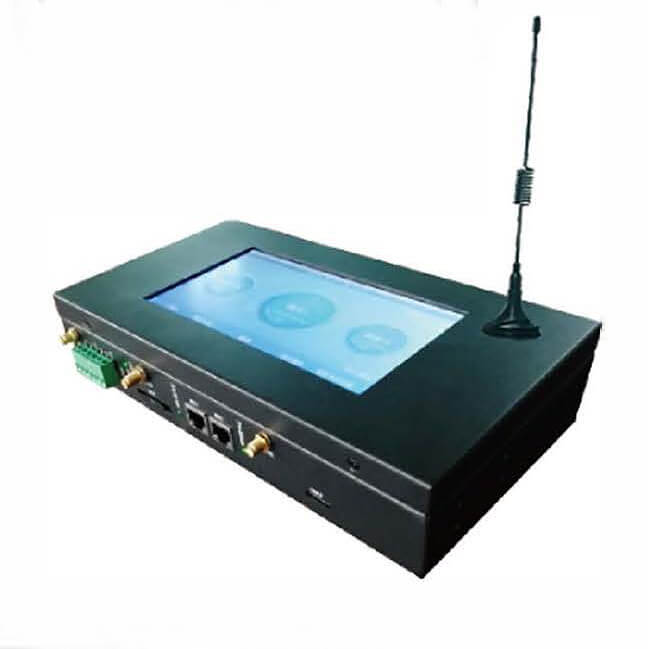
Master Controller XB-809
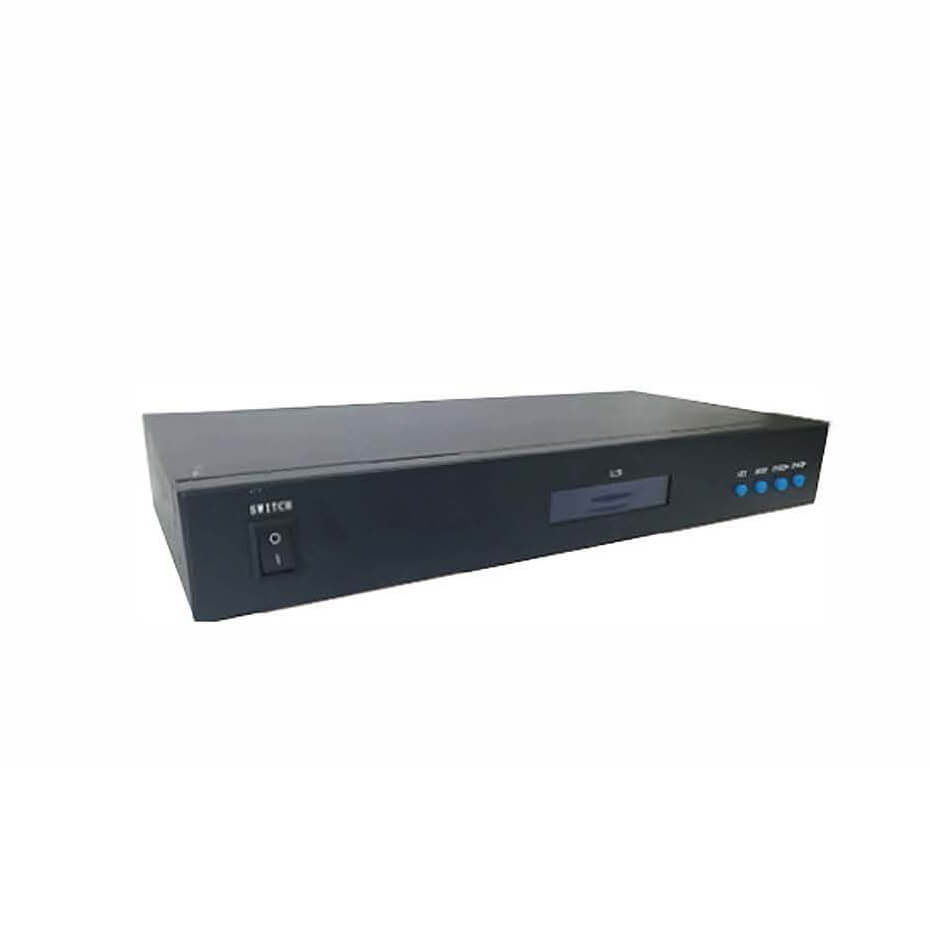
Sub-Controller T-790
User interface
- User interface: This is the way that you interact with the controller and adjust its settings and functions. You need to make sure that the controller has a user-friendly interface that is easy to use and understand. Some controllers may have physical buttons, knobs, sliders, or displays on their panels, while others may have web-based or software-based interfaces that you can access through your computer or smartphone. For example, the smart series from Dreaming Lighting has a web-based interface that allows you to configure and control your pixel LEDs through any browser².
Built-in effects
- Built-in effects and animations: This is the feature that allows you to create stunning effects and animations with your pixel LEDs without using any external software or input.
How to Choose the Best Pixel LED Controller for Your Project?
Determine your project requirements
- Determine your project requirements: Before you start looking for a pixel LED controller, you need to have a clear idea of what you want to achieve with your pixel LEDs. What kind of effects and animations do you want to create? How many pixels do you need to control? What kind of input source and output device do you have? How much power do you need? How much space do you have? These are some of the questions that you need to answer before you start shopping for a pixel LED controller.
Compare different models and brands
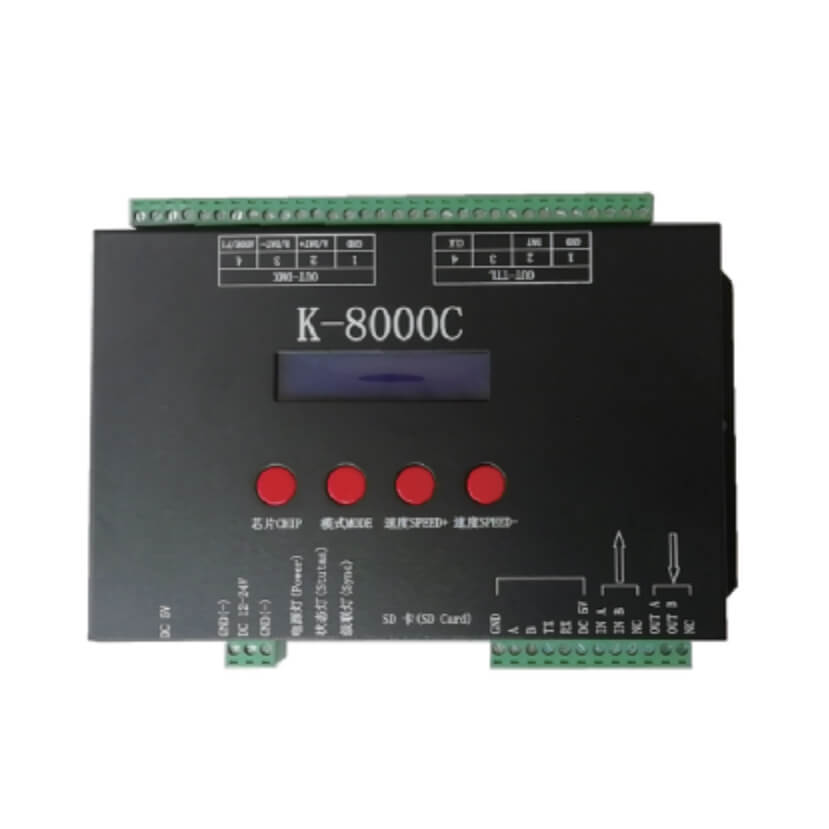
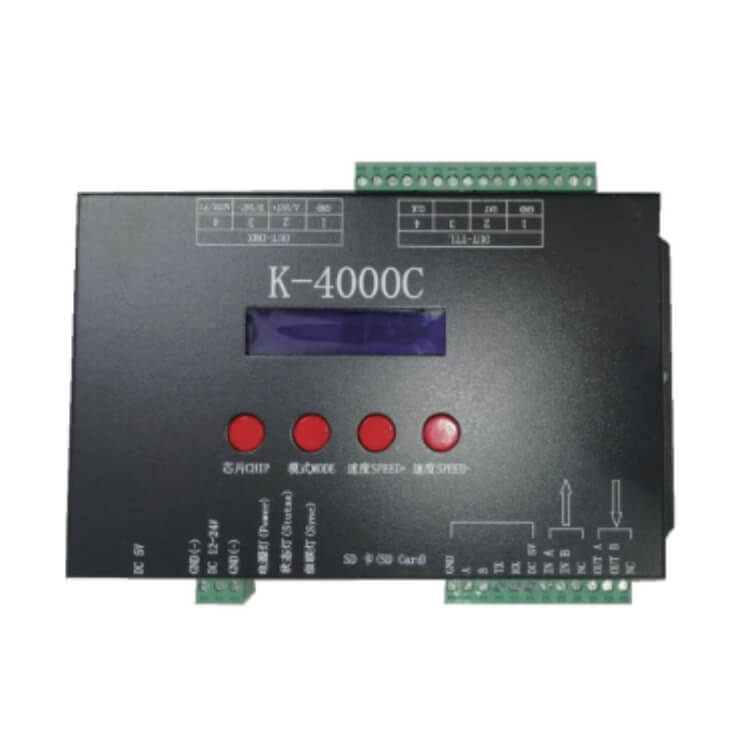
- Compare different models and brands: Once you have your project requirements, you can start comparing different models and brands of pixel LED controllers that meet your needs. You can use online reviews, ratings, testimonials, forums, blogs, videos, etc., to get more information and feedback from other users and experts. For example, you can check out the website of Why We Like This¹, which has compiled 6,500+ free reviews to find the RGB LED pixel controllers for different purposes and budgets¹. You can also check out the website of LED Strip Studio², which has an advanced comparison of all their digital pixel LED controllers with different features and specifications².
Test and evaluate the pixel LED controller
- Test and evaluate the pixel LED controller: If possible, you should try to test and evaluate the pixel LED controller before you buy it. You can ask for a demo, a trial, a sample, or a return policy from the seller or manufacturer. You can also look for online tutorials, guides, manuals, videos, etc., that can help you set up and use the pixel LED controller. You should test and evaluate the pixel LED controller for its performance, quality, reliability, compatibility, ease of use, functionality, etc.
Choose the best pixel LED controller for your project
- Choose the rgb pixel LED controller for your project: After testing and evaluating different pixel LED controllers, you should choose the best one that suits your project needs and preferences. You should also consider other factors such as price, warranty, customer service, support, etc., before making your final decision.
Conclusion
Contact Us
Outdoor Lighting Blog
Quick Contact
Email : sales@pixelled-light.com
Lighting Design Service
About
WhatsApp : +8618823821431
Hi,I’m Kelly
I’m from Dreamistar. We are a professional LED lighting manufacturer in China. We provide high-quality LED facade lighting products for outdoor use. Get an free quote for your projects now!
Jump to:
Where and How To Choose The Right Leds For Outdoor Led Facade Lighting
LED Pixel Controller For DMX Rgb Pixel Ball